

Brand:Samsung
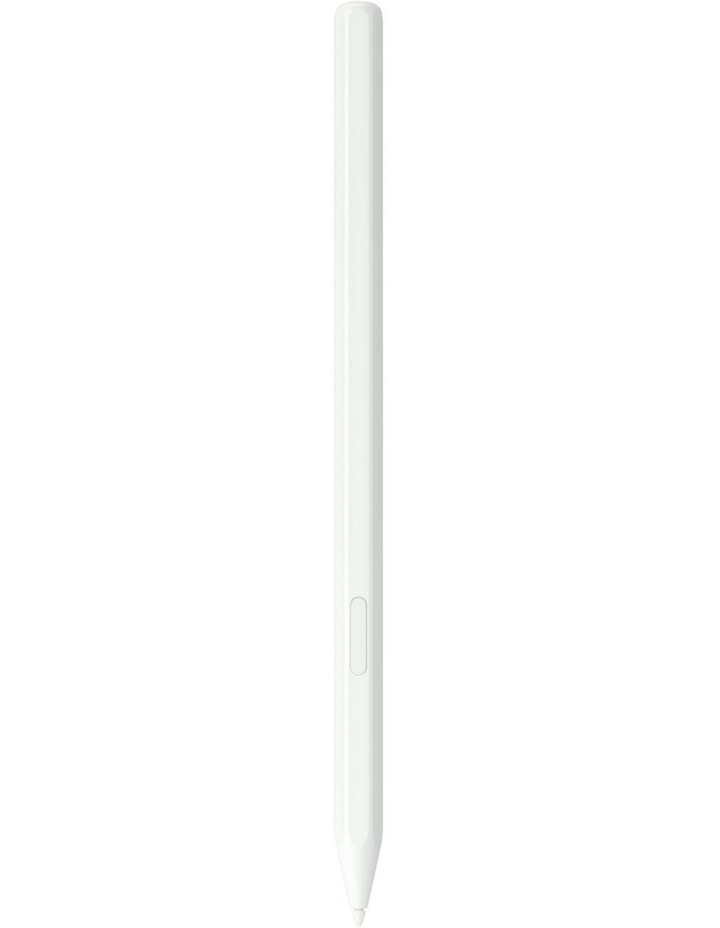
Galaxy Tab S11 Series S Pen in White

In stock at JB Hi-Fi for $76.30
We may earn a commission at no cost to you. How it works
Price history
Tracking since yesterday
The price hasn't changed since we started tracking it. We'll show its history once it does.
Available at 2 stores
Stores may pay us a commission when you buy; it doesn't affect the order or your price. Learn more
- JB Hi-Fi $76.30 Cheapest In stock Checked yesterday Buy
- Myer This page $129 Out of stock Checked yesterdayVisit

About this product
- Brand
- Samsung
- Store
- Myer
- Category
- Electronics > Electronics Accessories > Computer Accessories > Stylus Pens
- SKU
- 313336660
Specifications
- Colour
- White
Features:
- Hexagonal outside, creative inside
- For a steady and familiar hold, S Pen features a hexagonal body modeled after a classic pencil. The cone-shaped tip helps every stroke feel smooth and precise, making note-taking and sketching feel natural
- Easy to carry, easier to store
- S Pen sits neatly along the side of your Galaxy Tab, staying visible and easy to reach. Just pick it up when inspiration strikesno digging through your bag or searching around your desk
- Protection from the elements
- IP68-rated for protection against dust and water, S Pen is designed to handle the unexpected. From a damp countertop to a dusty table, it helps protect against the elements so you can keep creating without hesitation
*Image simulated for illustrative purposes.*S Pen is compatible with Galaxy Tab S11 and Tab S11 Ultra. The tip of the pen is only compatible with these models.*S Pen can be attached to the top right side of the device in landscape mode. Ensure the gray side of S Pen is in touch with the device for secure attachment. Using any other side than the gray one may weaken the attachment, causing S Pen to detach.*Galaxy S Pen has an IP68 rating based on lab test conditions and is dust resistant and water resistant for submersion in up to 1.5 meters of freshwater for up to 30 minutes. Not advised for beach or pool use. Ensure the charging port is dry before charging. Please refer to your device's user manual for further care instructions and limitations.