

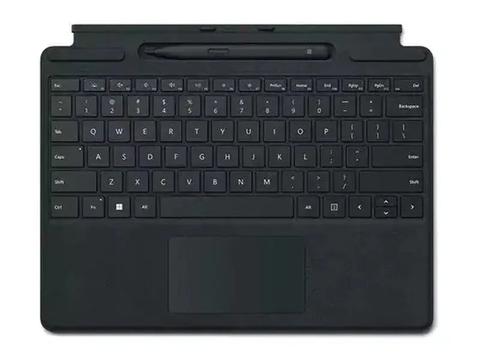
Brand:Microsoft
Microsoft Surface Pro 8 & 9 For Business Signature Type Cover Keyboard With Pen
Last price at PC LANseen today
Not available at any store we track right now
We may earn a commission at no cost to you. How it works
Price history
Tracking since 9 Nov · 9 days
The price hasn't changed since we started tracking it. We'll show its history once it does.
About this product
- Brand
- Microsoft
- Category
- Electronics > Electronics Accessories > Computer Accessories > Handheld Device Accessories > Tablet Computer Accessories
Store, charge, type and write
Transform Surface Pro 9 into a full laptop with the premium keyboard. And with Slim Pen 2 stored, charged and close at hand, it delivers typing and on-screen writing in one.
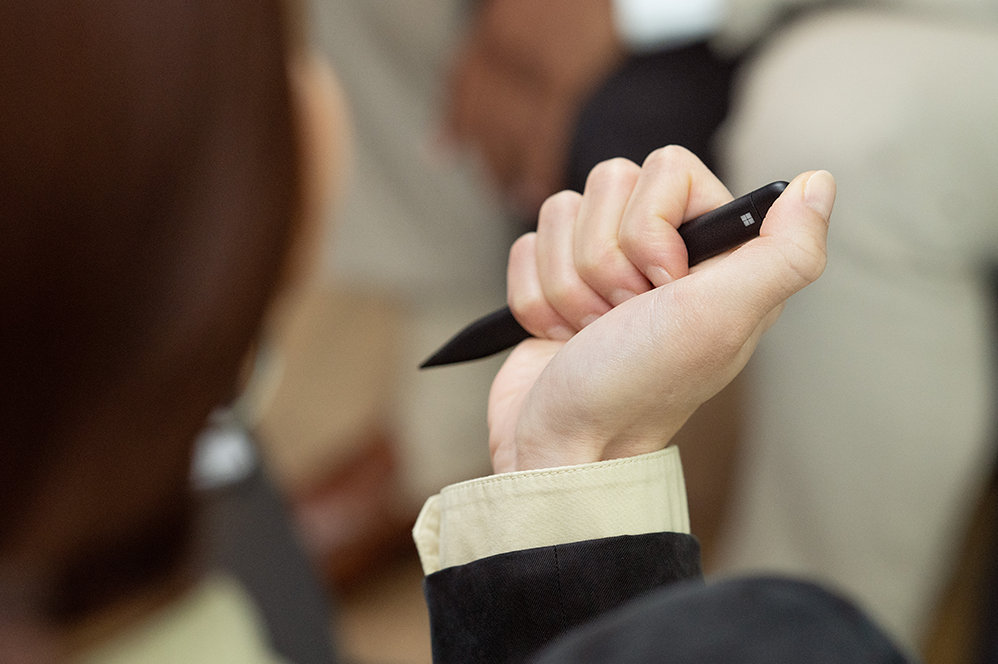
Always at your fingertips
Slim Pen 2 securely sits and recharges in the keyboard’s built-in storage tray. Typing and writing in one, without the bulk, Surface Pro Signature Keyboard delivers fast, accurate typing like a traditional, full-size keyboard, plus natural on-screen writing with our best inking experience yet.
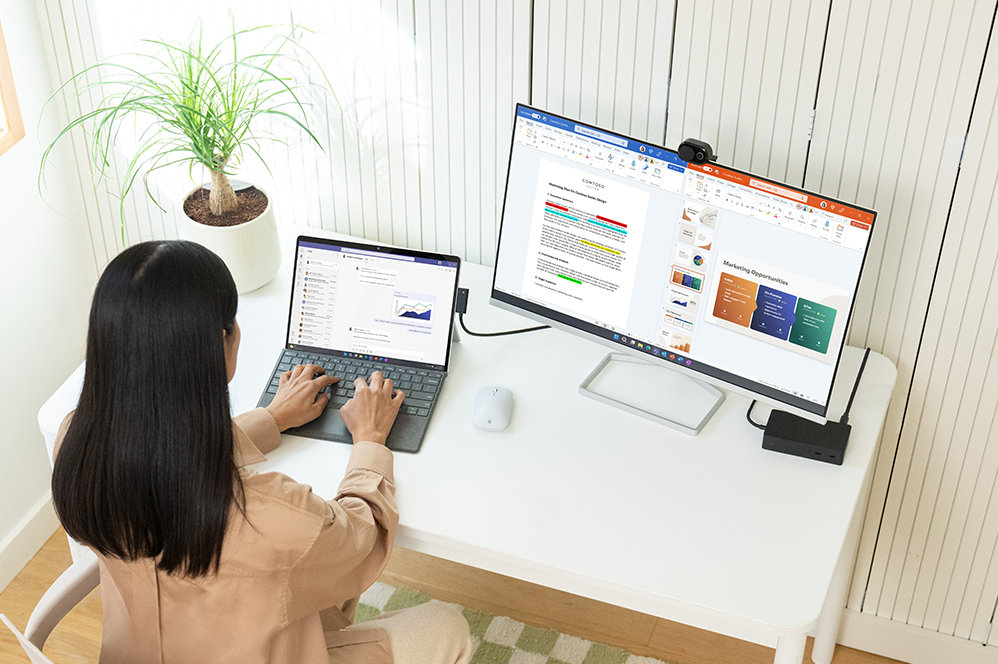
An exceptional typing experience
Type in comfort with Surface Pro Signature Keyboard. Sleek and compact, it performs like a traditional laptop keyboard, complete with a large touchpad for precise control and navigation.
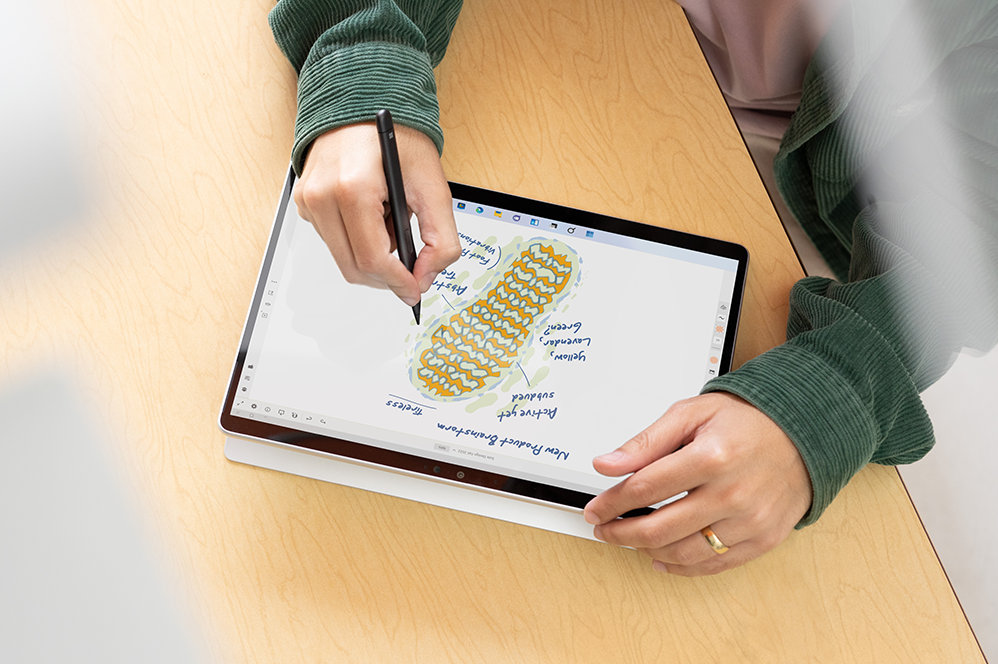
Fast, fluid and perfect with your Surface
Our best performing pen yet, with real-time writing, pinpoint accuracy and incredible shading thanks to a sharper pen tip and improved design.
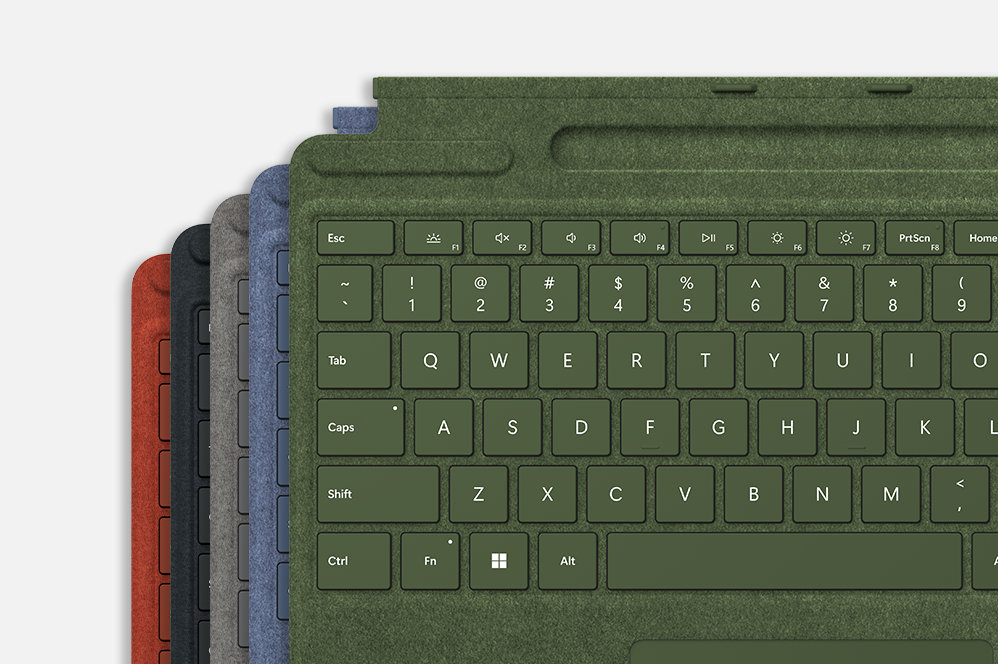
Choose your colour
Surface Pro Signature Keyboard adds a warm, comfortable touch to everyday tasks. New Sapphire and Forest Signature Keyboards are made with partially biobased Alcantara material containing at least 12% renewable content that is derived from sugarcane waste.
Specifications
Compatibility
Surface Pro Signature Keyboard compatibility*
Surface Pro 9
Surface Pro 8
Surface Pro X
Surface Slim Pen 2 designed forFootnote2
Surface Laptop Studio
Surface Pro 8 and Surface Pro 9
Surface Pro X
Surface Duo 2
Surface Hub 2S
Surface Slim Pen 2 Tips
Surface Slim Pen Charger
Dimensions
Surface Pro Signature Keyboard specifications
289.1 x 226.1 x 4.89 mm (11.38” x 8.90” x 0.19”)
Surface Slim Pen 2 dimensions
136.8 x 11.3 x 6.3 mm (5.38” x 0.44” x 0.25”)
Weight
Surface Pro Signature Keyboard with Surface Slim Pen 2 weight
294 g (0.65 lbs)
Surface Pro Signature Keyboard
281 g (0.62 lbs)
Surface Slim Pen 2
13 g (0.03 lbs)
Exterior
Surface Pro Signature Keyboard exterior
Material: Alcantara®
Colours: Sapphire, Forest, Platinum, Poppy Red, BlackFootnote1
Surface Slim Pen 2 colour and material
Matte Black; plastic enclosure
Connections
Surface Slim Pen 2 connections
Bluetooth® Wireless 5.0 Technology
Interface
Surface Pro Signature Keyboard interface
Magnetic
Pen integration
Surface Pro Signature Keyboard Pen integration
Surface Slim Pen 2 storage and charging
Keys
Surface Pro Signature Keyboard keys
Activation: Moving (mechanical) keys
Layout: QWERTY (US), full row of function keys (F1 - F12)
Dedicated buttons for Windows shortcuts, media controls, screen brightness
Right-click button
Sensors
Surface Pro Signature Keyboard sensors
Accelerometer
Buttons
Surface Slim Pen 2 buttons
Side button, Top Button with eraser functionality
Tactile signals
Surface Slim Pen 2
Haptic feedback functionality compatible only with Surface Pro 8*, Surface Pro 9* and Surface Laptop Studio* with Windows 11
Pressure and sensitivity
Surface Slim Pen 2 pressure sensitivityFootnote2
4,096 pressure levels
Zero force inking
Battery
Surface Slim Pen 2 battery
Rechargeable Lithium Ion
Up to 15 hours of typical usageFootnote3
Battery capacities
Surface Slim Pen 2 battery capacities
Battery Capacity Nominal (WH) 0.171
Battery Capacity Min (WH) 0.164
What’s in the box
Surface Pro Signature Keyboard
Surface Slim Pen 2
Startup Card/Warranty Guide
WarrantyFootnote4
1 year limited hardware warranty