

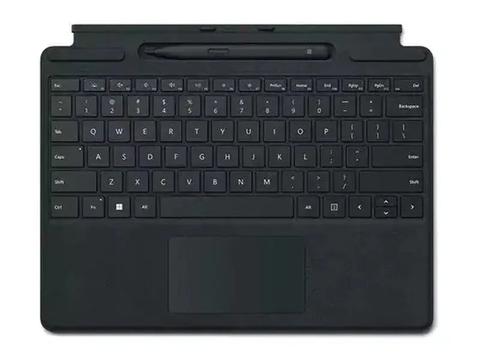

Microsoft Surface Pro 8 & 9 For Business Signature Type Cover Keyboard With Pen
Out of stock at PC LAN
Price checked today
We may earn a commission if you buy; it doesn't change your price. Check the price at PC LAN before you buy. How we make money
Price history
Tracking since today
The price hasn't changed since we started tracking it. We'll show its history once it does.
About this product
Store, charge, type and write
Transform Surface Pro 9 into a full laptop with the premium keyboard. And with Slim Pen 2 stored, charged and close at hand, it delivers typing and on-screen writing in one.
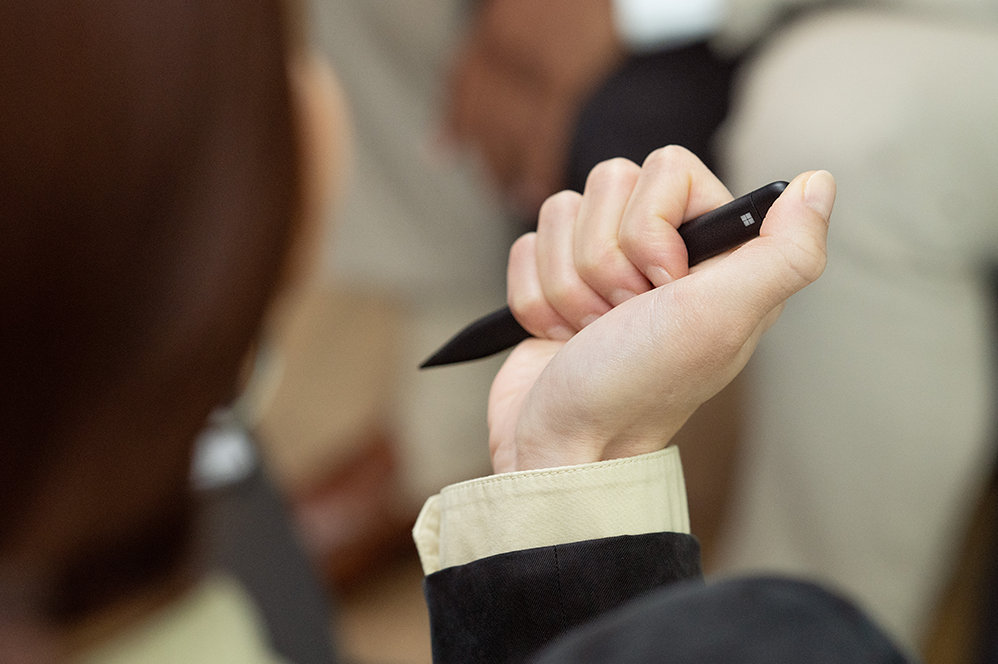
Always at your fingertips
Slim Pen 2 securely sits and recharges in the keyboard’s built-in storage tray. Typing and writing in one, without the bulk, Surface Pro Signature Keyboard delivers fast, accurate typing like a traditional, full-size keyboard, plus natural on-screen writing with our best inking experience yet.
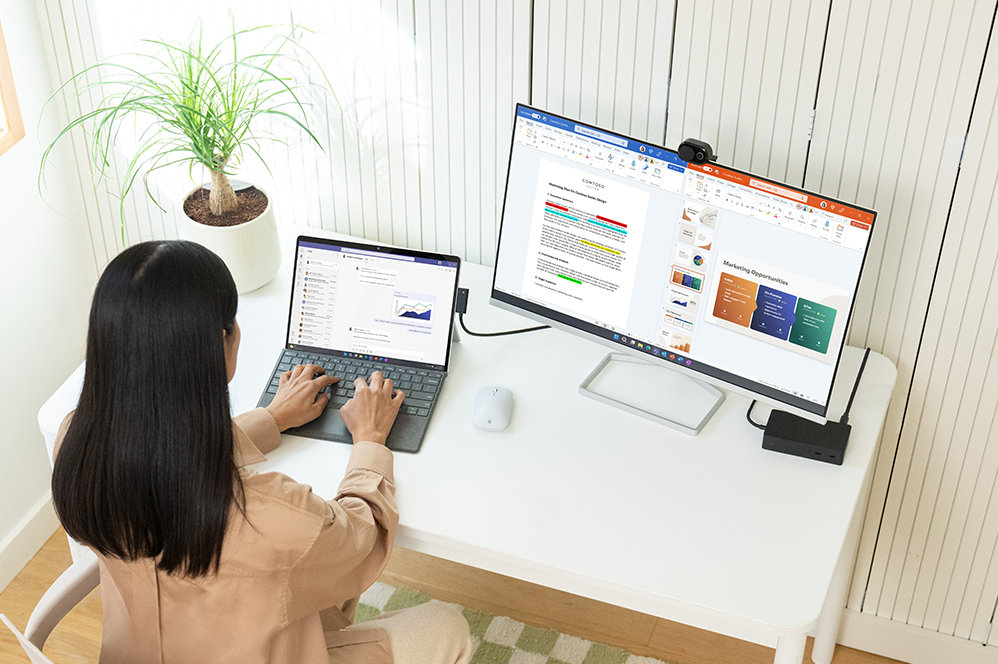
An exceptional typing experience
Type in comfort with Surface Pro Signature Keyboard. Sleek and compact, it performs like a traditional laptop keyboard, complete with a large touchpad for precise control and navigation.
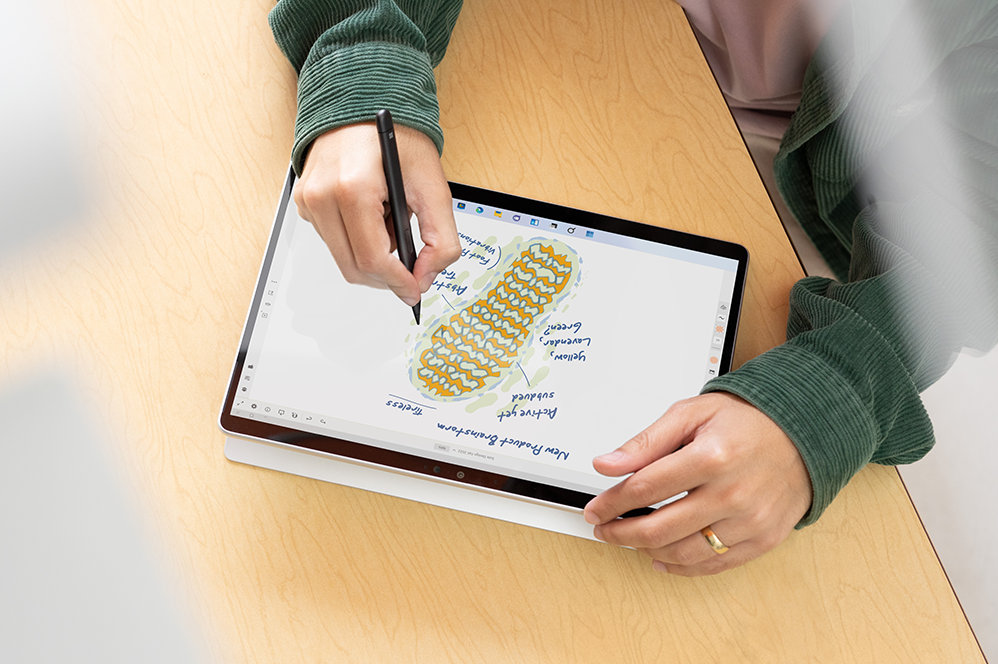
Fast, fluid and perfect with your Surface
Our best performing pen yet, with real-time writing, pinpoint accuracy and incredible shading thanks to a sharper pen tip and improved design.
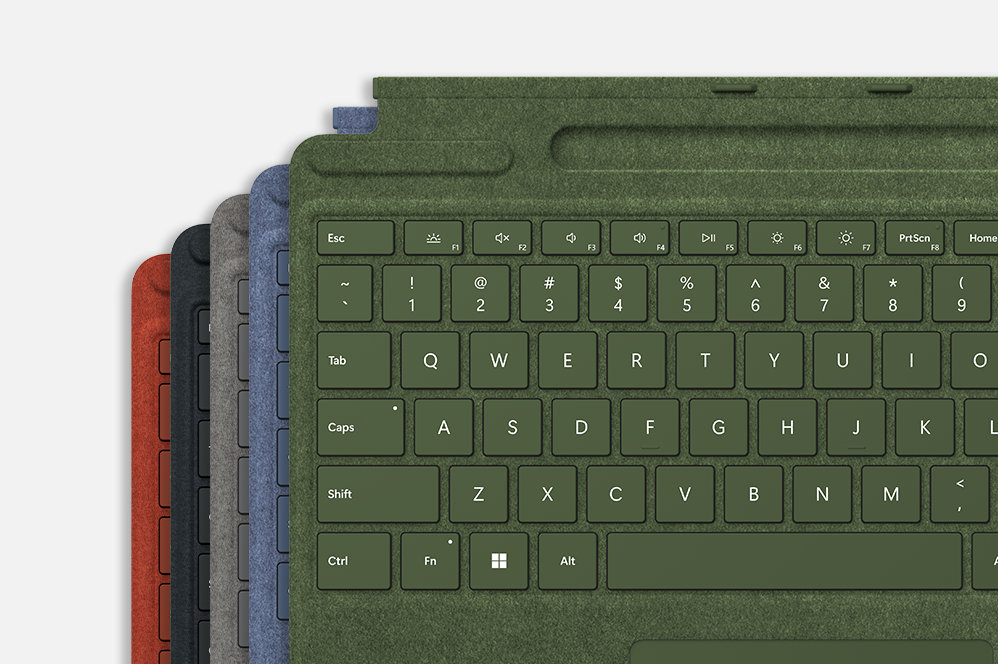
Choose your colour
Surface Pro Signature Keyboard adds a warm, comfortable touch to everyday tasks. New Sapphire and Forest Signature Keyboards are made with partially biobased Alcantara material containing at least 12% renewable content that is derived from sugarcane waste.
Specifications
Compatibility
Surface Pro Signature Keyboard compatibility*
Surface Pro 9
Surface Pro 8
Surface Pro X
Surface Slim Pen 2 designed forFootnote2
Surface Laptop Studio
Surface Pro 8 and Surface Pro 9
Surface Pro X
Surface Duo 2
Surface Hub 2S
Surface Slim Pen 2 Tips
Surface Slim Pen Charger
Dimensions
Surface Pro Signature Keyboard specifications
289.1 x 226.1 x 4.89 mm (11.38” x 8.90” x 0.19”)
Surface Slim Pen 2 dimensions
136.8 x 11.3 x 6.3 mm (5.38” x 0.44” x 0.25”)
Weight
Surface Pro Signature Keyboard with Surface Slim Pen 2 weight
294 g (0.65 lbs)
Surface Pro Signature Keyboard
281 g (0.62 lbs)
Surface Slim Pen 2
13 g (0.03 lbs)
Exterior
Surface Pro Signature Keyboard exterior
Material: Alcantara®
Colours: Sapphire, Forest, Platinum, Poppy Red, BlackFootnote1
Surface Slim Pen 2 colour and material
Matte Black; plastic enclosure
Connections
Surface Slim Pen 2 connections
Bluetooth® Wireless 5.0 Technology
Interface
Surface Pro Signature Keyboard interface
Magnetic
Pen integration
Surface Pro Signature Keyboard Pen integration
Surface Slim Pen 2 storage and charging
Keys
Surface Pro Signature Keyboard keys
Activation: Moving (mechanical) keys
Layout: QWERTY (US), full row of function keys (F1 - F12)
Dedicated buttons for Windows shortcuts, media controls, screen brightness
Right-click button
Sensors
Surface Pro Signature Keyboard sensors
Accelerometer
Buttons
Surface Slim Pen 2 buttons
Side button, Top Button with eraser functionality
Tactile signals
Surface Slim Pen 2
Haptic feedback functionality compatible only with Surface Pro 8*, Surface Pro 9* and Surface Laptop Studio* with Windows 11
Pressure and sensitivity
Surface Slim Pen 2 pressure sensitivityFootnote2
4,096 pressure levels
Zero force inking
Battery
Surface Slim Pen 2 battery
Rechargeable Lithium Ion
Up to 15 hours of typical usageFootnote3
Battery capacities
Surface Slim Pen 2 battery capacities
Battery Capacity Nominal (WH) 0.171
Battery Capacity Min (WH) 0.164
What’s in the box
Surface Pro Signature Keyboard
Surface Slim Pen 2
Startup Card/Warranty Guide
WarrantyFootnote4
1 year limited hardware warranty