

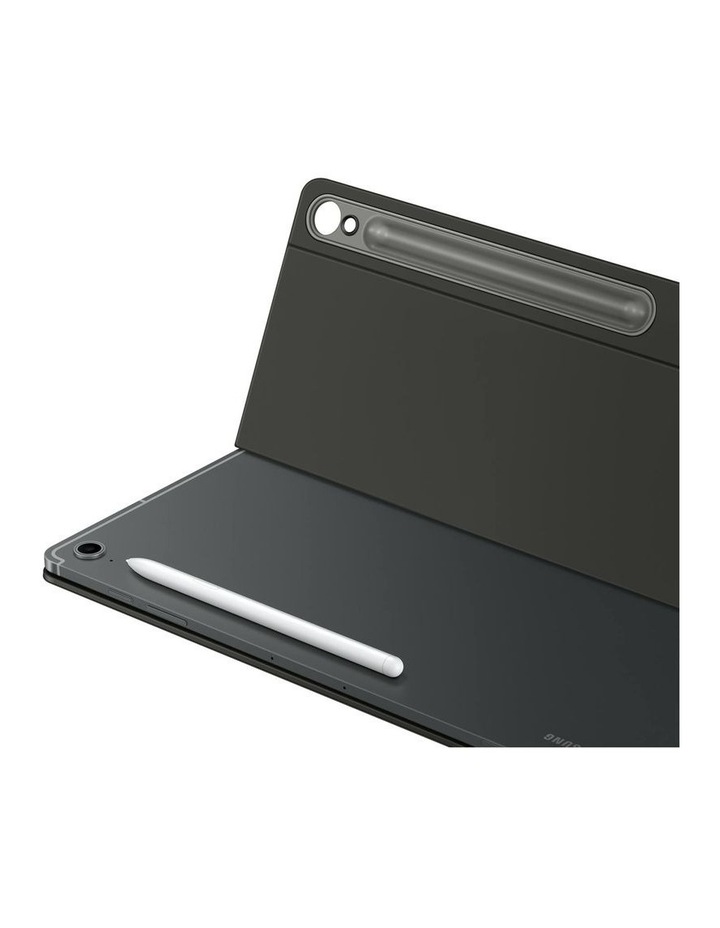
Brand:Samsung
Samsung Galaxy Tab S10 FE+ Book Cover Keyboard Slim – Black
Last price at Myerseen 2 days ago
Not available at any store we track right now
We may earn a commission at no cost to you. How it works
Price history
Tracking since 2 days ago
The price hasn't changed since we started tracking it. We'll show its history once it does.
About this product
- Brand
- Samsung
- Category
- Electronics > Electronics Accessories > Computer Accessories > Handheld Device Accessories > Tablet Computer Accessories
Specifications
- Colour
- Black
Features:
- Your key to instant AI access
- Galaxy AI Key gives you easy access to AI-powered assistant, Bixby or Gemini
- Simply tap the dedicated key and let your AI assistant handle your query it's that simple to get things done
- A comfortable keyboard experience
- Pair your tablet with the Book Cover Keyboard Slim to type documents or emails with accuracy
- Combined with DeX mode, the keyboard delivers a convenient PC-like experience
- Enhance your productivity with wireless sharing
- With Wireless Keyboard Sharing, you can easily connect to your other Galaxy devices and smoothly type or navigate on them
- Switch between devices with ease and take control of your phone as you would on your tablet
*Image simulated for illustrative purposes. Actual UX may be different.*Book Cover Keyboard sold separately and is only compatible with Galaxy Tab S10 FE+, on One UI 7.0 or later. *Book Cover Keyboard layout may vary by model or type of language. A network connection and Samsung/Google Account required to use Bixby or Gemini. *Gemini mobile application availability varies across devices, languages, and countries. Ensure responses for accuracy. Gemini is a registered trademark of Google LLC. *Pressing Alt + AI key provides the option to switch the AI assistant to Bixby or Gemini. To launch Gemini by using Galaxy AI Key, Google Assistant needs to be updated to Gemini. App shortcuts by Galaxy AI Key can be assigned for select apps only.
*Features and keyboard layout may vary by model or type of language.
*Products sold separately. *Image simulated for illustrative purposes. Actual UX/UI may vary. *Wireless Keyboard Sharing is supported on Galaxy smartphones running One UI 3.1 or above and Galaxy Tab devices running One UI 2.5 or above, connected to the Book Cover Keyboard via POGO. *To enable Wireless Keyboard Sharing, both devices must be logged in to the same Samsung account. Performance may vary depending on user network environment. *Up to 3 devices can be registered for Wireless Keyboard Sharing. *Wireless Keyboard Sharing can be turned on/off in Settings > General Management > Physical Keyboard > Wireless Keyboard Sharing.